Shopping Cart
Purpose
Explain the guest cart and its verified recovery during authentication-session failure.
Eligible Users and Roles
Guests and authenticated customers.
Prerequisites
Open the local V6 Storefront. A signed-in account is not required to view the locally usable guest cart.
How to Open This Feature
Open /cart or use the cart control in the storefront header.
Step-by-Step Instructions
Step 1: Open the Cart
Navigate to /cart as a guest.
Step 2: Confirm Safe Outage Recovery
When the authentication session endpoint is unavailable, the existing guest cart remains visible instead of a blocking authentication overlay.
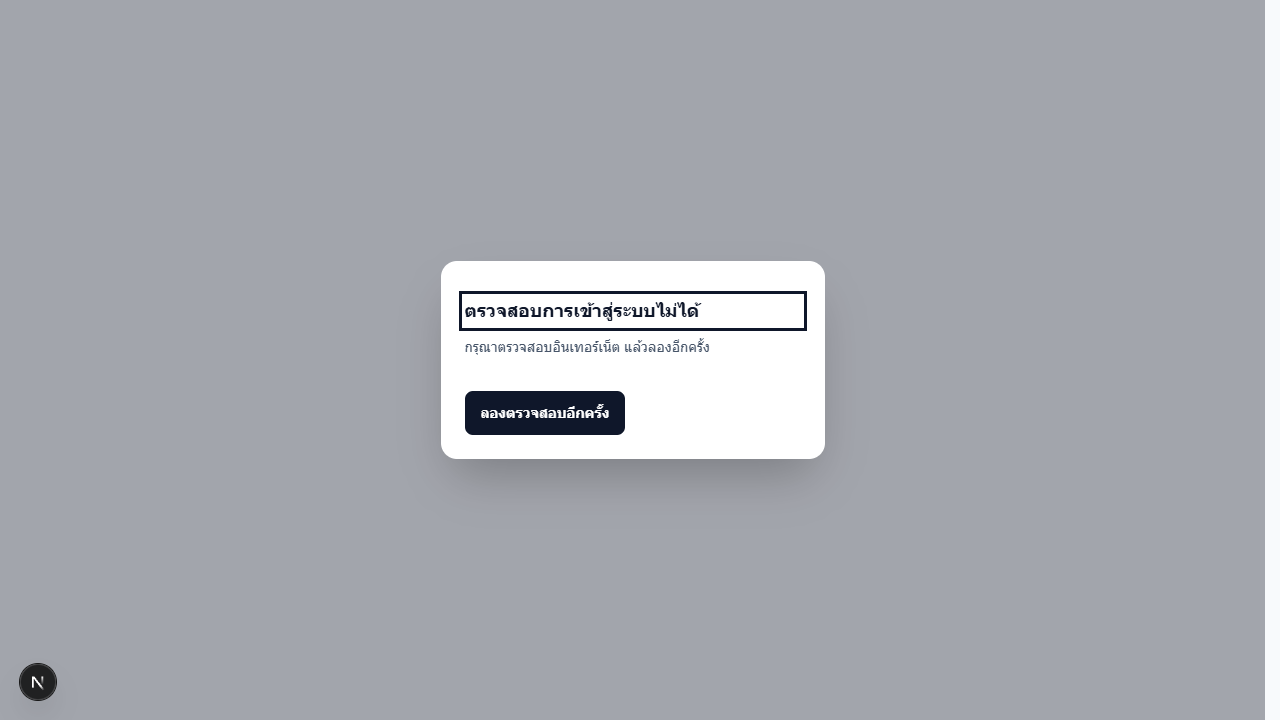
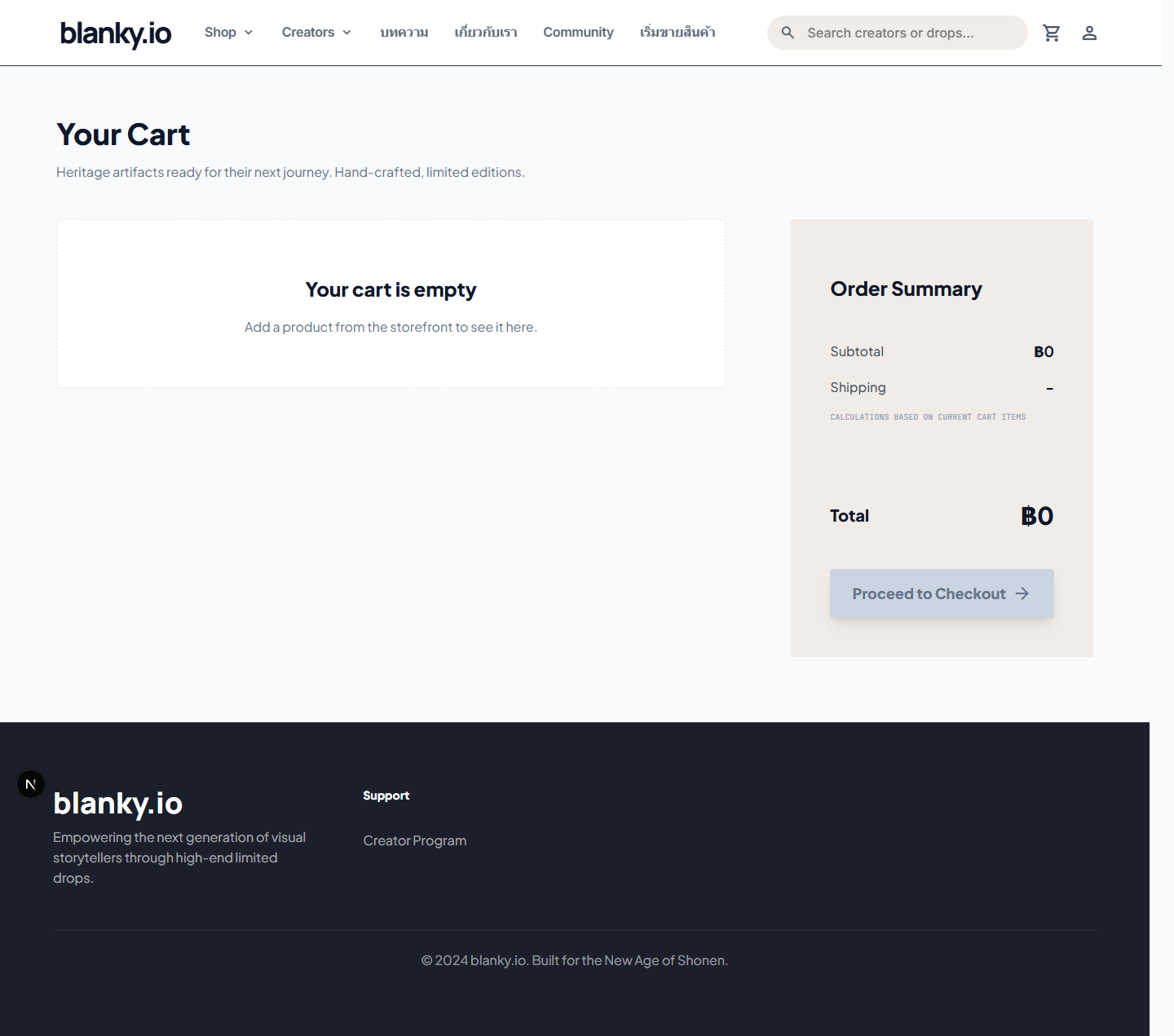
The final recorded browser check passed readable Thai cart copy with no authentication-session request and no horizontal overflow at 390x844, 768x1024, 1024x900, and 1440x1000.

Step 3: Modify Only Within Current Controls
Use the visible quantity/remove controls and wait for state settlement. The full stock/quantity/concurrency matrix is Not Tested here.
Step 4: Continue to Checkout
Checkout may independently require authentication and server revalidation.
Possible States
Empty
The existing empty-cart state is verified in the recovery regression.
Populated
Discovered in the application; exhaustive price/stock/change behavior is Not Tested.
Authentication Unavailable
The guest cart remains usable after QA-001.
Corrupt or Unavailable Local Storage
Tracked accessibility evidence distinguishes these conditions, but this audit did not reproduce every state.
Input Rules and Limits
Quantity must be validated by the server. Zero, negative, decimal, extreme, rapid, simultaneous, stale price, and stale stock cases remain Not Tested here.
Common Problems and Recovery
- Reload and inspect authoritative cart state before repeating an ambiguous action.
- If local storage is unreadable, preserve data for retry unless corruption is confirmed and explicit reset is offered.
- Do not proceed to payment when price or stock is ambiguous.
Important Warnings
Client quantity and totals are not authoritative. Avoid repeated clicks or multiple-tab checkout without a controlled fixture.
What Happens Next
Checkout revalidates authentication and transaction data; no financial success is claimed by this guide.